

Bank-readiness score
At the top of the dashboard, a Bank-Readiness Score shows a real-time percentage measuring how prepared your compliance program is for an examination. This isn’t a static number someone entered — it’s computed from the evidence status of every criterion across every regulatory domain.Domain cards
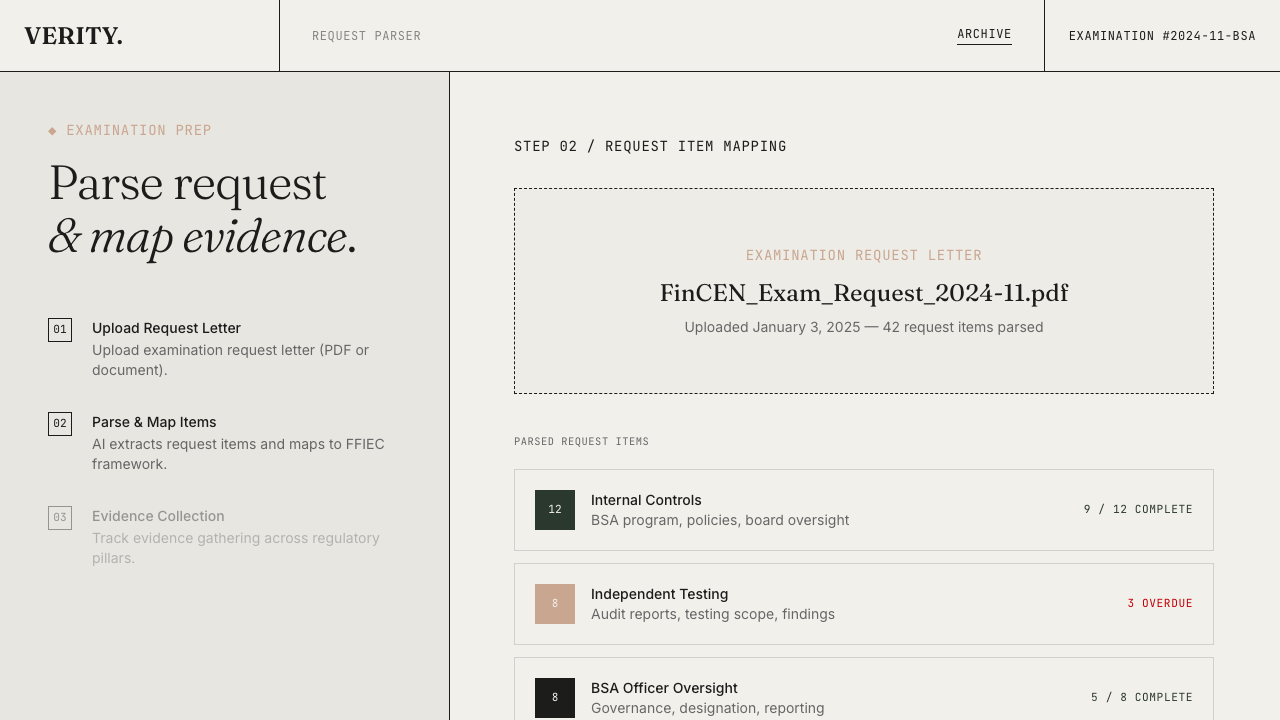
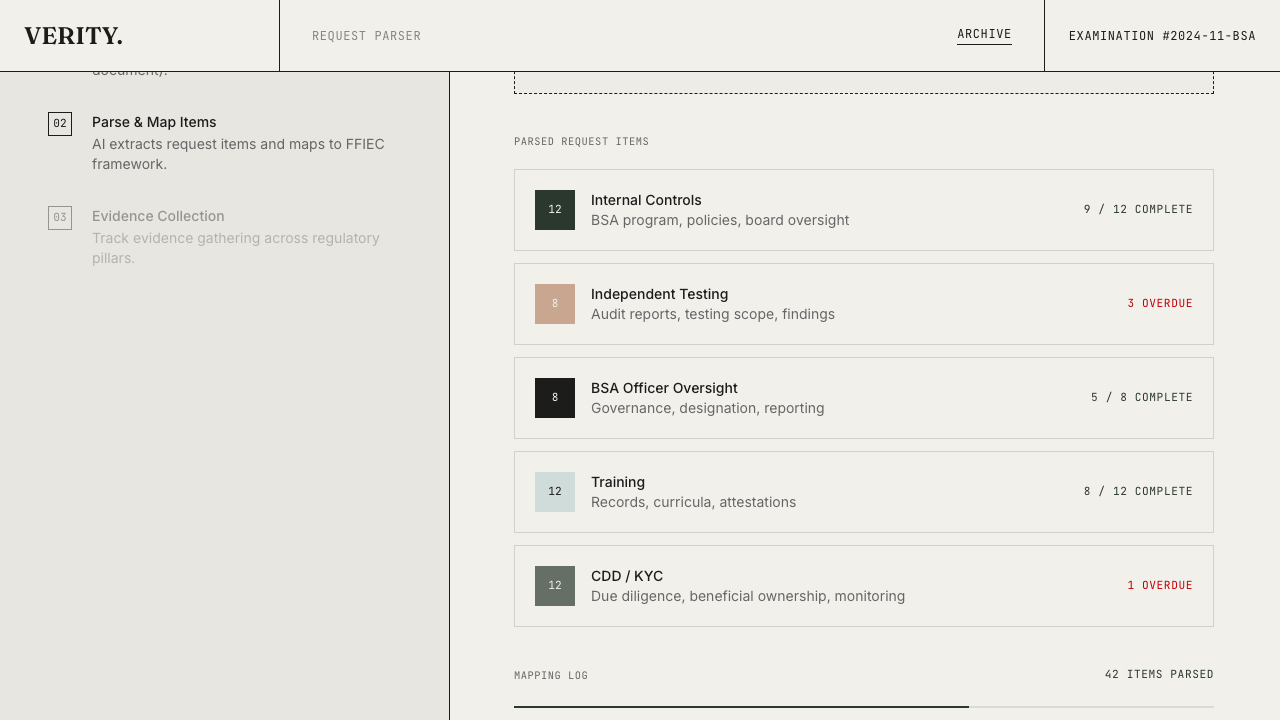
Below the score, domain cards break down readiness by compliance area. For a BSA/AML program, that’s the five FFIEC pillars:- Internal Controls
- Independent Testing
- BSA Officer Oversight
- Training
- CDD/KYC
Run Gap Analysis
The Run Gap Analysis button is always available between the readiness score and the domain grid. It populates scoring criteria (if not already present) and then matches evidence from all your examinations at once — a one-click way to refresh your entire program’s evidence coverage.Priority gaps
The Priority Gaps panel lists the highest-priority unfilled criteria across all domains, ranked by regulatory importance. This is your team’s to-do list, derived directly from the regulatory requirements.Multiple programs
Verity supports multiple compliance programs. Click the tab at the top of the dashboard to switch between them:| Program | Framework | Domains |
|---|---|---|
| BSA/AML | FFIEC BSA/AML Examination Manual | 5 pillars |
| Third-Party Oversight | OCC 2023-17 | 8 monitoring areas |