

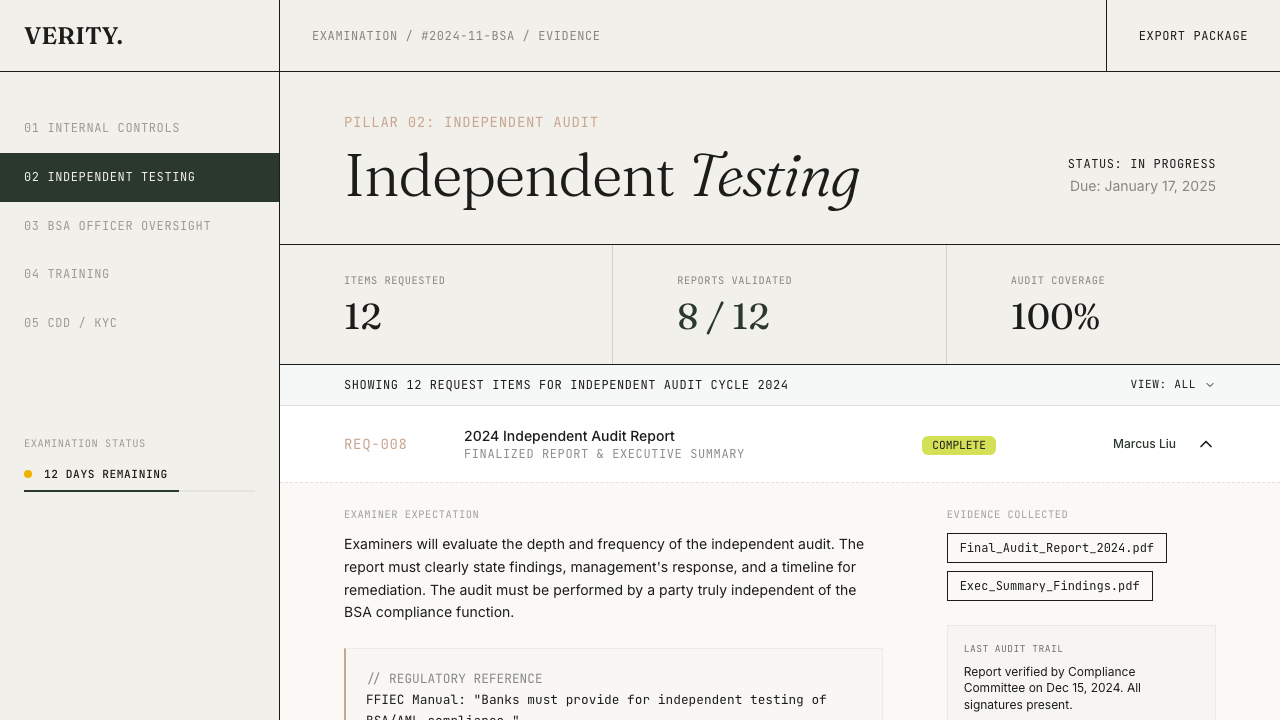
Uploading evidence
Each request item accepts file uploads directly. Supported file types:| Type | Extensions |
|---|---|
| Documents | PDF, DOCX, XLSX, CSV |
| Images | PNG, JPG |
Evidence status
Each scoring criterion tracks evidence status with four levels:| Status | Score contribution | Description |
|---|---|---|
| Sufficient | 100 points | Full evidence coverage |
| Partial | 50 points | Some evidence, gaps remain |
| Stale | 0 points | Evidence exists but is outdated |
| Missing | 0 points | No evidence provided |
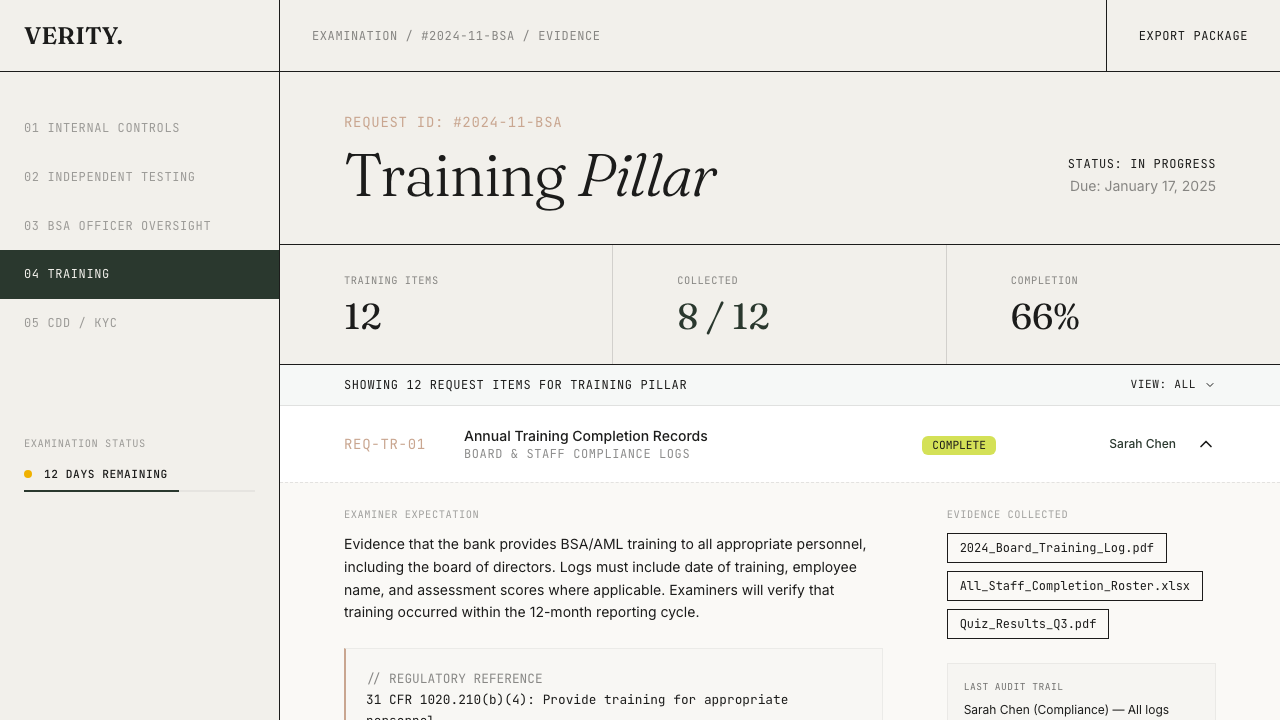
Linking evidence to criteria
Evidence can be linked to scoring criteria in two ways:Manual linking
From the domain detail page, expand a criterion and add evidence by selecting from your examination’s uploaded files or providing an external URL.Auto-matching
Use the Find Evidence button to automatically scan an examination’s evidence against criteria in the current domain. The system matches on regulatory source alignment and domain/pillar alignment. Auto-linked entries are labelled AUTO and can be removed if they don’t belong.Evidence sources
Linked evidence entries include a source type:| Source type | Description |
|---|---|
evidence_attachment | File uploaded against a request item |
mra_evidence | File uploaded as MRA remediation evidence |
external_url | Link to an external document or system |
Team workflow
The examination dashboard shows evidence collection progress across multiple views:- By pillar — which regulatory domains have the most gaps
- By assignee — workload distribution across your team
- By status — how many items are not started, in progress, or complete
- By timeline — items approaching their deadlines